Fishing toolbar
Click the hook to cast or the equipment icon to swap gear. The bar chart opens catch statistics and the cog opens Fishing Settings. Drag the four-way arrow to move the toolbar.
World of Warcraft: Forever add-on
Fishing companion
See what you caught, compare auction listings with vendor value, and keep a record of where the fish were biting.
v0.7.0 · Interface 16001 · English and Simplified Chinese
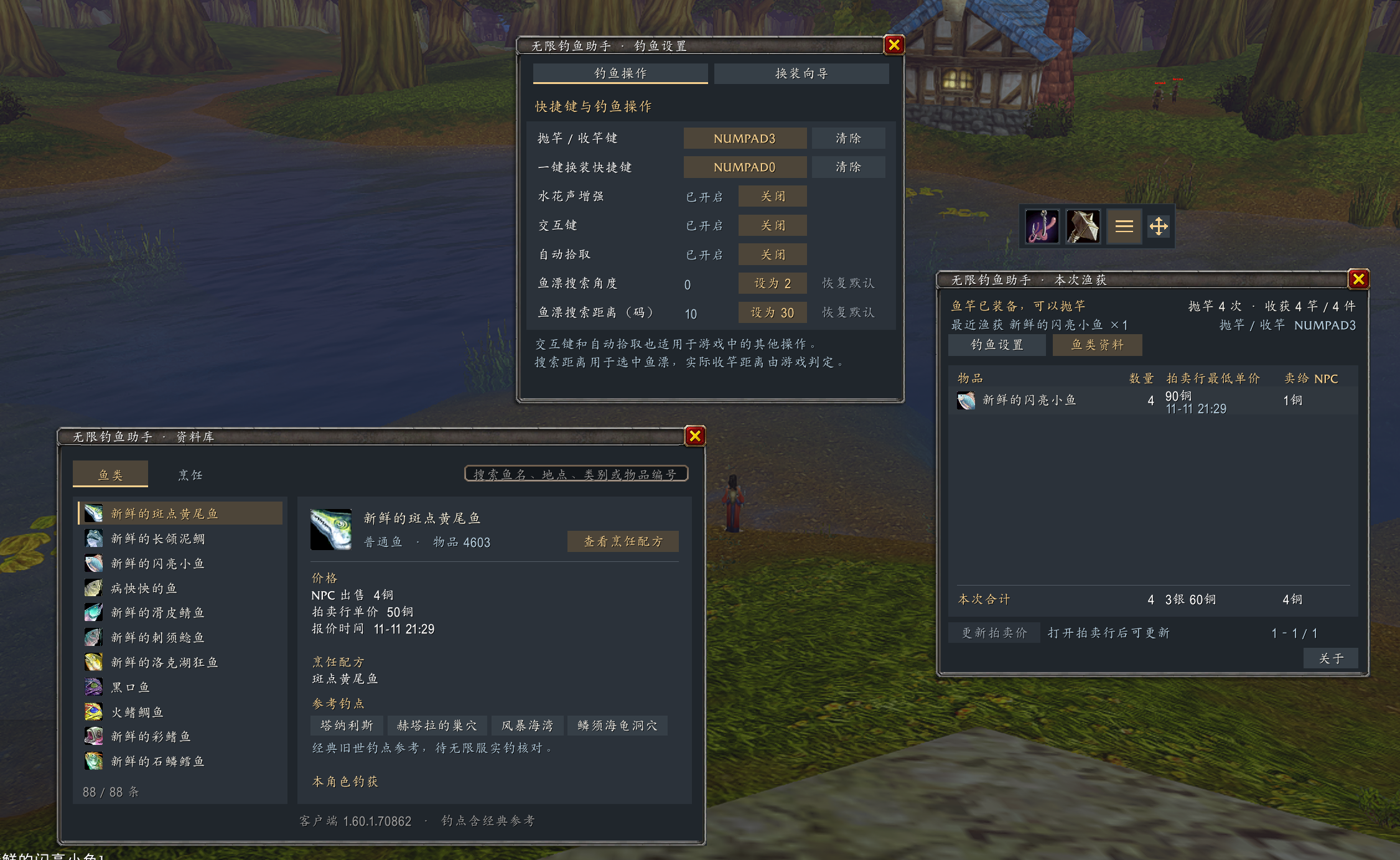
Click the hook to cast or the equipment icon to swap gear. The bar chart opens catch statistics and the cog opens Fishing Settings. Drag the four-way arrow to move the toolbar.
See session catches, fishing time, and hourly estimates. Refresh prices and follow lookup progress directly on the Auction House Buy page.
Browse 88 fish entries and 24 cooking recipes. Click a reference fishing spot to open the in-game map, and see where your character has caught each fish.
Manage both bindings, splash sound, Interact Key, Auto Loot, and bobber search. Switch between Fishing Controls and Gear Setup in one window.
Download the ZIP and copy the extracted WowfFishing folder into _forever_/Interface/AddOns/.
Restart WoW and enable BobberTally in the add-on list at character selection. Enter /wowfish after logging in.
Enter /wowfish setup, choose your pole and weapon, then record a swap key. The wizard waits for the game to confirm the gear changes. Close the Equipment Manager before saving.
Open Fishing Settings, record a Cast / Reel Key, and enable Interact Key. To record a mouse side button, keep the cursor over the binding field. Press once to cast and again after the splash to reel in.
A free, independently maintained add-on with publicly readable source. Casting and reeling each require a player key press. Auction values reflect listings at the time of lookup. Settings, quotes, and catch observations are saved locally by the game.